
Your Access database has run the business for years. But now it only opens on one aging PC, two people can't edit it at once, and working from home means emailing copies back and forth and praying nobody overwrites the latest version. So you start asking the obvious question: how long would it take to turn this into a proper web app your team can use from anywhere?
The honest answer is it depends — but not in a vague, hand-wavy way. A handful of concrete factors decide whether your project takes a few weeks or a few months, and once you understand them you can estimate your own situation surprisingly well. Here are the questions small-business owners actually ask us.
How long does a typical Access-to-web conversion take?
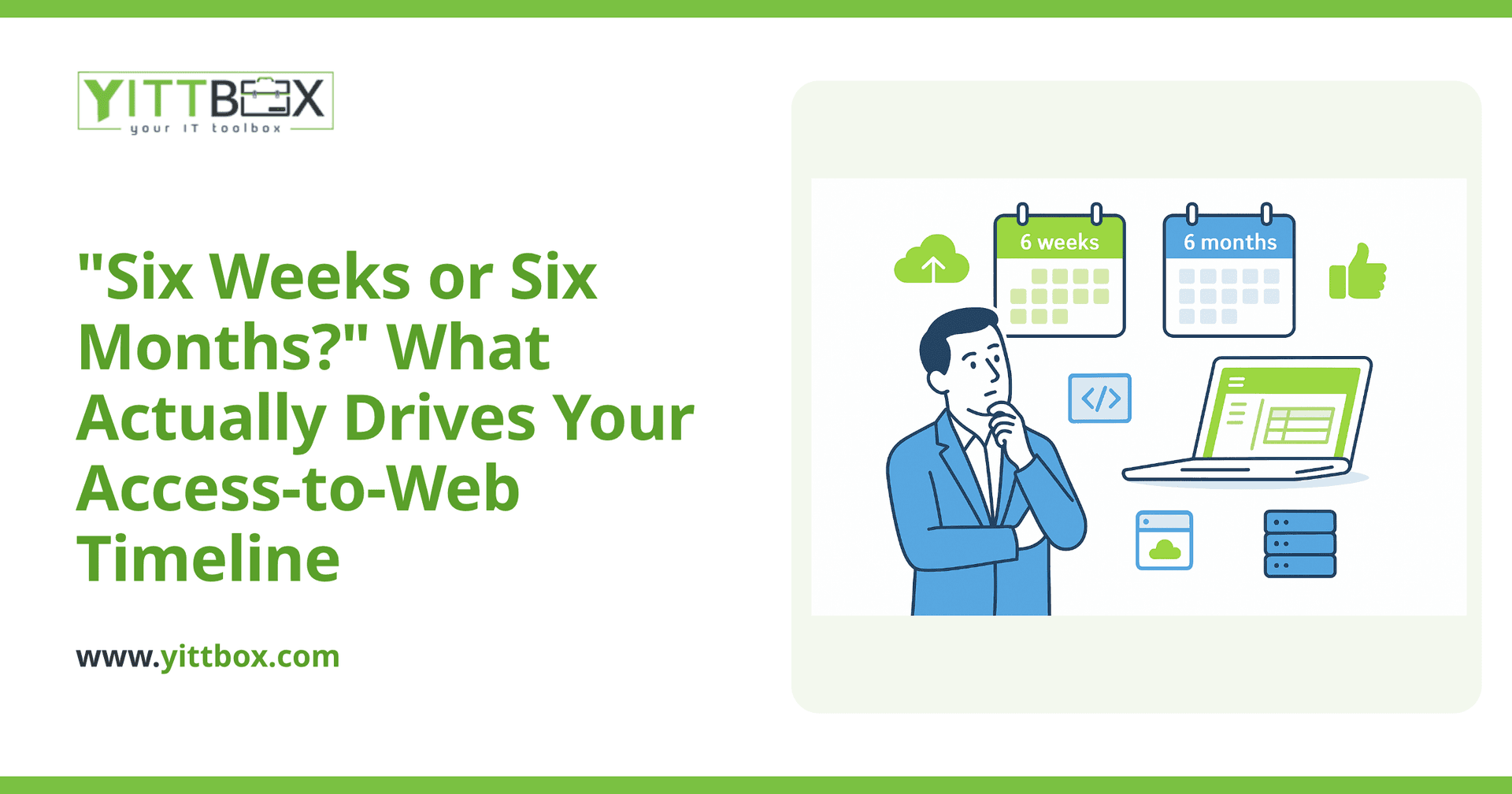
For most small businesses, a straightforward conversion lands in the range of four to twelve weeks. A single-purpose database — say, a customer list with a few forms and reports — sits at the shorter end. A sprawling system with dozens of linked tables, complex calculations, and years of accumulated quirks sits at the longer end.
The timeline breaks down roughly like this:
- Understanding your current database — what it stores, what it does, and what actually matters to you.
- Building the web app — the screens, the logic, and the login so the right people see the right things.
- Moving your data across cleanly, without losing history.
- Testing and go-live, with your team using it on real work before you rely on it.
What makes one conversion faster than another?
A few things move the needle more than anything else:
- How many tables and forms the database has. More moving parts means more to rebuild and test.
- How much hidden logic lives in macros, queries, and VBA code. Business rules buried in an Access file take time to uncover and reproduce.
- The state of your data. Clean, consistent data moves quickly. Data with duplicates, blank fields, and inconsistent formatting needs tidying first.
- How many new features you want. If you only want a like-for-like copy on the web, that's faster than adding the improvements you've been wishing for.
If you're not sure which of these applies to you, that's exactly what a no-pressure review of your Access database is for — we look at the file and tell you plainly what you're dealing with.
Can't you just "lift and shift" it quickly?
Not really, and you wouldn't want us to. Access and a modern web app are different tools. A web app runs in the browser, lets several people work at once without stepping on each other, keeps a secure record of who changed what, and works on a laptop or a phone. Reproducing your database as a genuine multi-user web app is more valuable than a quick copy — and it removes the very problems that made you look for a change.
The good news is that the extra care usually pays off in the first week your team uses it: no more "who has the file open?", no more emailed copies, no more single point of failure on one desk.
Do I have to convert everything at once?
No. For larger systems, we often phase the work. We move the most painful part first — the piece slowing your team down every day — get it live, and then bring the rest across in stages. This gets you real value sooner and spreads the effort out, which many owners find easier to plan around.
Phasing also lowers the risk. Your team learns the new web app on a smaller slice of work before the whole business depends on it.
What about the old reports and dashboards I built?
Plenty of businesses have bolted reporting onto their Access setup over the years — exported spreadsheets, or a limited off-the-shelf dashboard sitting on top. When we build your custom web app, the reporting lives inside the app itself. You get custom-built dashboards that show your numbers in real time, tailored to how your business actually works, with no exporting and no separate tool to maintain. It's one system, not a patchwork.
How do I get a realistic timeline for my situation?
The most reliable way is to have someone look at the actual database rather than guess from a description. Timelines quoted over the phone without seeing the file tend to be either padded or wildly optimistic.
Here's how we keep it straightforward:
- No pushy sales calls. We're not going to chase you.
- A free, no-pressure review of your current Access database, so you know what you're working with.
- Plain-English communication from start to finish — no jargon, no surprises, and a clear picture of where things stand at every step.
When you're ready, you can get a free, honest estimate for your project, or start with a review of your Access database if you'd rather understand your options first. Either way, you'll walk away knowing roughly how long it'll take — before you commit to anything.
Comments
Be the first to comment on this post.