

Microsoft Access Consultants & Experts
Hire a Microsoft Access consultant with 20+ years of hands-on experience — for a new database, a fix to an existing one, or a full web-app conversion.
Looking to hire a Microsoft Access consultant? You've found a team that has spent more than two decades building, repairing, and modernizing Access databases for small and mid-size companies. Whether you need a specialist to rescue a database that's slow or corrupting, an expert to extend one that's outgrown its design, or a consultant to plan a move to the cloud, we've done it — many times over.
Most companies bring in an Access expert for one of three reasons: a database built years ago by someone who has since left, a spreadsheet that has quietly become mission-critical, or an Access application that needs to become a multi-user web app. We handle all three, working around your existing systems rather than forcing a rip-and-replace.
You work directly with the people doing the work — no account managers, no offshoring the build. That's why our clients treat us as their on-call Access specialists rather than a one-off vendor.

How we can help
Access consultants on call
Bring in an experienced Microsoft Access consultant for a single fix, an ongoing engagement, or anything in between — scoped to your budget, not a retainer you don't need.
Database rescue & repair
Slow, locking, or corrupting? Our specialists stabilize troubled Access databases and, where needed, move the backend to a proper cloud database so it stays fast and reliable.
Access to web app conversions
Hire an expert to move an Access database that's outgrown its file-based design to a modern, multi-user, mobile-friendly web app — the same logic, accessible anywhere.
Take over an inherited database
Built by someone who's gone? We reverse-engineer, document, and support existing Access applications so your business isn't held hostage by one file nobody understands.
Reporting & data analysis
An Access specialist who also builds the custom reports and queries that condense your data, surface trends, and make decisions simpler.
Backend cloud migrations
Keep the Access front-end your team already knows while an expert moves your tables to a secure, multi-user cloud backend.
Why hire a dedicated Microsoft Access expert
Access is deceptively easy to start and genuinely hard to get right at scale. An experienced Microsoft Access expert knows where these databases break as they grow — the relationships, the locking, the split front-end/back-end design — and builds yours to avoid it. Two decades of hands-on work means fewer surprises, a database that holds up, and a clear path to the cloud or a web app whenever you're ready.
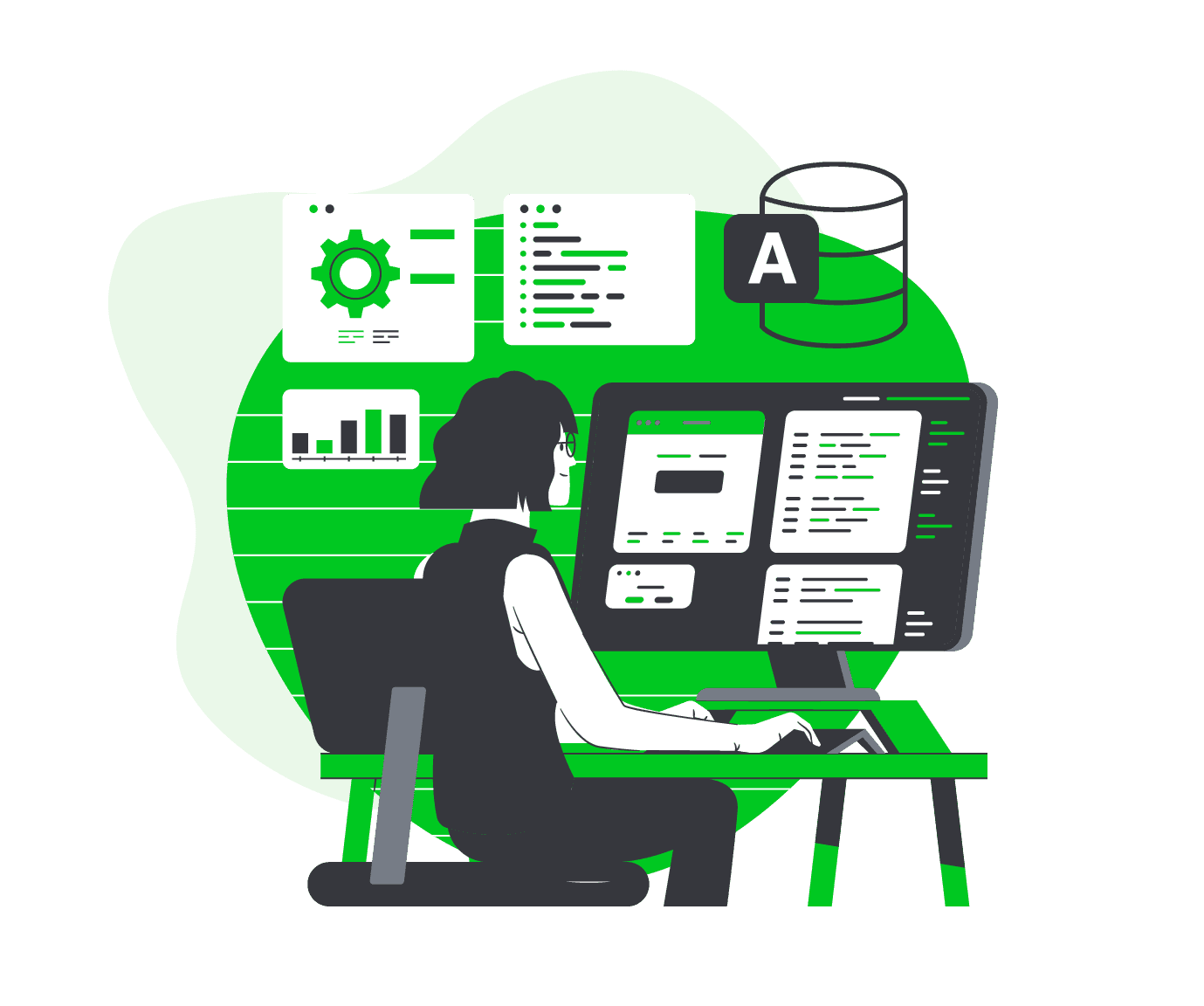
Microsoft Access specialists for troubled databases
When a database that's run the business for years starts to slow, lock users out, or corrupt, it usually means it has outgrown a file-based backend. Our Access specialists diagnose the real cause rather than papering over it — compacting and repairing where that's enough, and migrating to a cloud database where it isn't — so your team gets back a system they can trust.
What it costs to hire an Access consultant
Every engagement is custom-scoped, so there's no flat hourly card to quote — a targeted fix and a from-scratch build are very different jobs. What we can promise is a clear, no-call estimate up front with a defined scope and timeline, and a cost that typically lands well below off-the-shelf software for the same capability.
More from the blog
Turn risky Access databases and sprawling Excel spreadsheets into secure, custom web apps.

June 30, 2026
Will We Lose Our Data When We Convert From Access or Excel?
It's the worry that stops a lot of teams from modernizing: what happens to years of records? Here's exactly how a safe conversion protects your data. Will we lo…
Read more →
June 30, 2026
Custom Web App vs No-Code (Airtable, Zoho, Power Apps): An Honest Comparison
No-code tools like Airtable, Zoho, and Power Apps are genuinely useful — but they're not always the right answer. Here's an honest comparison so you can pick th…
Read more →
June 30, 2026
How Do You Convert an Excel Spreadsheet Into a Web Application?
If a spreadsheet has quietly become the system your business runs on, the good news is you don't have to start over. Here's how turning it into a web applicatio…
Read more →Explore the full Access library
Microsoft Access built your business — until it started holding it back: locked to one PC, no safe multi-user access, and one corruption away from downtime. YittBox turns your existing Access database into a secure, multi-user web app you reach from any browser, without losing your data or your workflows. Below is our complete Access library — from the fundamentals to migration, performance, security, and the real cost and timeline of going web.
Companies we've worked with
 UPA Diesel
 Nikz Nacks
 Rack N' Action
 1128 Capital
 VALLEY CAR GROUP
 GUIDELINE TEMPLATES
 ADVANCED CRM SOLUTIONS
 WAVERITAS
 BATES CUSTOM STONE
 SOUTHERN MISFITS OFF-ROADING
 TOP TOYS THIS YEAR
 PANN TV
 Media Choice
 M&A Associates
Frequently asked
How much does a Microsoft Access consultant cost?
There's no flat rate — every engagement is scoped to the work, whether that's a few hours to fix a specific problem or a larger build. You get a clear estimate with a defined scope and timeline before anything starts, and the cost is typically well below buying off-the-shelf software for the same capability.
Can I hire an Access expert for just one fix?
Yes. Plenty of clients bring us in for a single problem — a corruption, a broken report, a performance issue — with no obligation beyond that job. If it turns into an ongoing relationship, great, but it doesn't have to.
Do you work with Access databases you didn't build?
Constantly. Taking over an inherited database — one built by someone who has since left — is one of the most common reasons companies call us. We reverse-engineer it, document it, and support it going forward.
Can you work remotely with our team?
Yes — we work with clients across the country remotely, and you deal directly with the specialist doing the work, not an account manager relaying messages.
Should I fix my Access database or convert it to a web app?
It depends on where it's straining. If it's fundamentally sound but slow or single-user, a backend cloud migration often solves it. If it's being asked to do far more than a desktop file should, converting to a multi-user web app is usually the better long-term move — we'll tell you honestly which fits.
Most software projects land in the low-to-mid five figures and typically pay for themselves within about four months. You get a fixed quote you approve up front (no surprises), billed by milestone — or monthly for ongoing work.
Our promise to you
Fixed up-front quote
Approve the price before any work starts — no surprise bills.
You own everything
You own 100% of your code and data. No lock-in.
We work until it's right
We keep at it until it does what we agreed on.
Free review, no commitment
Get a real answer with no call and no obligation.
Worried about handing over your data? See how we keep it safe →
Led by Joe & Holly, Managing Partners — meet the team →
Need a Microsoft Access consultant?
Tell us what you're working with and we'll scope the engagement and get back to you — no call required.
Get a Free System ReviewNot sure what to expect? See how it works →
Related services
Microsoft Access Solutions
Custom Microsoft Access solutions built by a team with 20+ years of experience, for small to mid-size companies.
Learn more →Microsoft Excel Solutions
Experts in every facet of MS Excel — we put those skills to work to increase your productivity and efficiency.
Learn more →Convert Access/Excel to a Web App
Move your Access database or Excel spreadsheet to a modern, multi-user, mobile-friendly web app.
Learn more →